

If you’ve ever hit that frustrating “You’re out of likes” screen on Tinder, you’ve probably asked yourself the same question thousands of other users type into Google every day: when do Tinder likes reset? You wait, you check the app again an hour later, and… nothing. So what’s the deal?
The short answer is that Tinder likes don’t reset on a fixed schedule the way some people assume. There’s no magic midnight switch that refills everyone’s swipe bank at the same time. Instead, Tinder uses a rolling reset tied to your own activity. In this guide, we’ll break down exactly how the Tinder like reset works, why your likes seem to disappear, how the “Likes You” feature fits in, and what actually happens (and doesn’t happen) when you try to “reset” your account.
The Basics of Tinder Likes
Before we get into timing, let’s cover what a “like” actually is on Tinder.
Every time you swipe right on a profile, that counts as one like. If both people swipe right on each other, it’s a match, and you can start chatting. If only you swipe right, your like sits in the other person’s queue until they swipe on your profile.
Tinder gives free users a limited number of likes per day. This is intentional. By capping how many people you can swipe right on, Tinder encourages more thoughtful swiping and pushes some users toward a paid subscription for unlimited likes.
Here’s a quick breakdown of what counts toward your like limit:
- Swiping right on a profile (a “like”)
- Using “Super Likes” (these are usually counted separately, with their own limit)
- Swiping right on profiles in “Likes You” if that feature is visible to you
Things that do not count toward your daily like limit:
- Swiping left (passing)
- Viewing someone’s profile without swiping
- Sending messages to existing matches
- Using Rewind to undo a swipe
Once you’ve used up your allotted likes for the day, you’ll see a notification letting you know you’re out, along with a countdown or prompt to upgrade.
When Do Tinder Likes Reset?
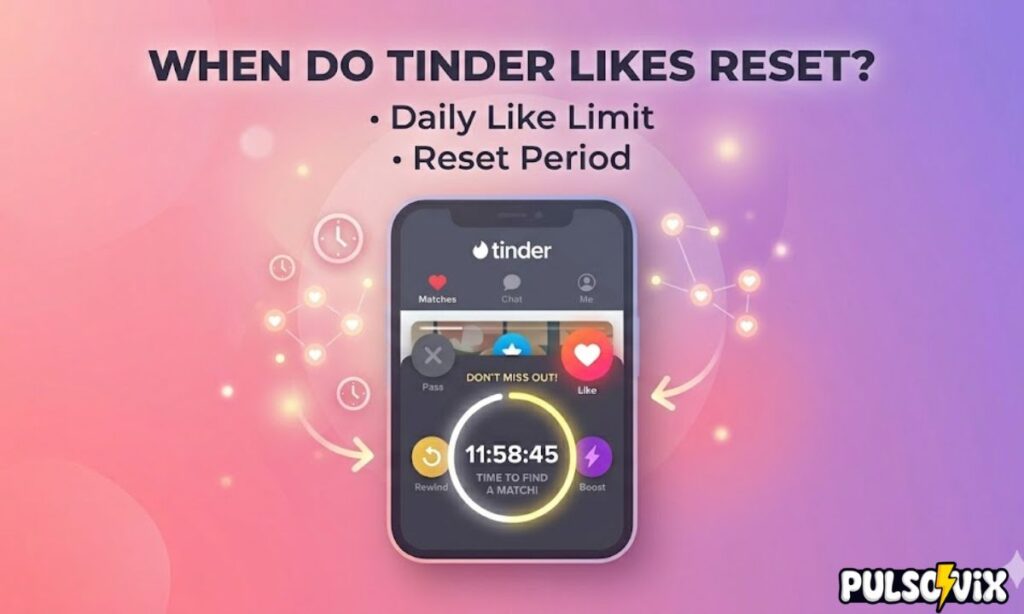
This is the part most people get wrong, so let’s clear it up.
Tinder likes do not reset on a universal clock that applies to every user at the same time. Instead, the reset is tied to a rolling window based on when you first started swiping or when you hit your limit.
In practical terms, this means:
- You start swiping at, say, 7 PM.
- You use up all your free likes by 9 PM.
- Your likes typically become available again roughly 12 to 24 hours later — often close to the time you first started swiping the day before.
So if your friend starts swiping at noon and you start at 8 PM, your reset times will likely be different, even though you both have free accounts and hit your limits on the same day.
This rolling system is also why so many articles online give slightly different answers. Some say 12 hours, some say 24 hours, and some say “it depends.” All of these can technically be true, because Tinder’s exact internal timing isn’t published publicly and may vary by region, account history, or app updates.
The most reliable way to know your personal reset window: check the in-app message or countdown timer that appears when you run out of likes. That timer reflects your actual reset schedule far better than any blanket rule.
Maximizing Your Likes
Since your daily likes are limited, it makes sense to use them wisely. Here are some practical ways to get more value out of each swipe:
- Be selective rather than swiping on autopilot. Take a few seconds to actually look at someone’s photos and bio before deciding.
- Swipe during peak hours. More active users online means a higher chance your like gets seen (and reciprocated) quickly.
- Complete your profile fully. A profile with several photos, a bio, and verified details tends to get more engagement, which means your likes are more likely to lead to matches.
- Avoid mass-swiping right on everyone. This “spray and pray” approach burns through your limit fast and can also reduce how often your profile is shown to others, since Tinder’s algorithm factors in your overall swipe ratio.
- Track your personal reset pattern. Note the time you typically run out of likes for a few days in a row. You’ll start to notice a consistent window, which helps you plan when to do your “serious” swiping sessions.
If you find yourself consistently running out of likes and wanting more, that’s usually a sign it might be worth considering a Tinder Plus, Gold, or Platinum subscription, which removes the daily cap entirely.
Also, read this blog: OMS Meaning Text: Your Ultimate Guide to This Handy Acronym
The “Likes You” Feature
“Likes You” is the section of Tinder that shows you everyone who has already swiped right on your profile. For free users, this section is usually blurred out, showing only silhouettes or partial previews. Premium subscribers (Gold and Platinum tiers) can typically see exactly who has liked them.
Here’s how “Likes You” relates to your daily like limit:
| Action | Counts Toward Daily Like Limit? |
| Viewing the “Likes You” grid | No |
| Swiping right on someone in “Likes You” | Yes |
| Swiping left on someone in “Likes You” | No |
| Matching instantly via “Likes You” | Counts as one like used |
The “Likes You” feature is essentially a queue of pending interest. If you’re a free user staring at a grid of blurred faces, it can be tempting to upgrade just to see who’s interested in you. That’s by design — Tinder uses this feature heavily in its premium marketing.
If you do swipe through “Likes You,” remember those swipes still count toward your overall daily total, so plan accordingly if you’re trying to make your free likes last.
The Truth About “Resetting” Your Account
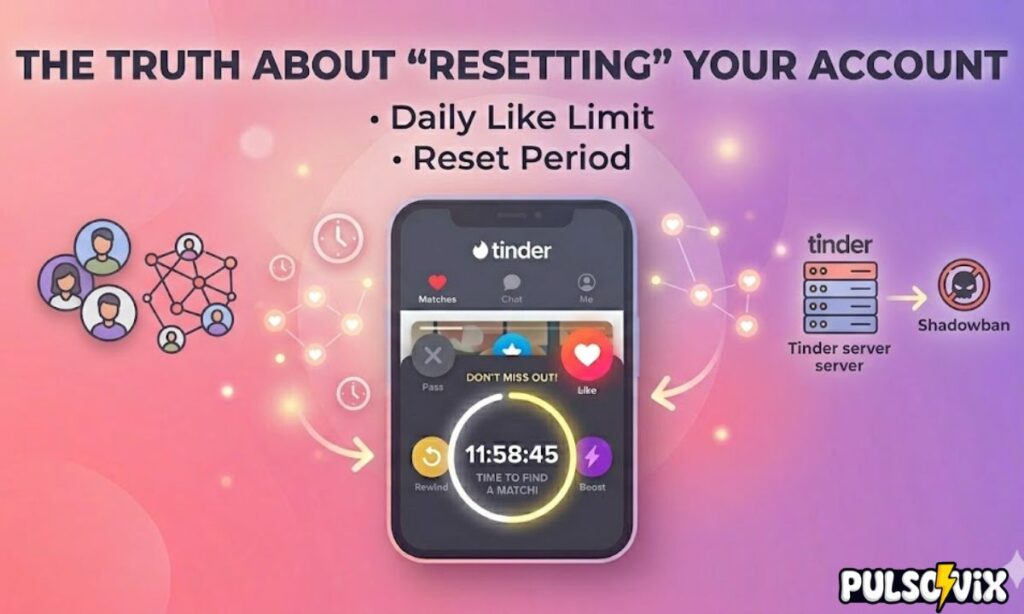
A lot of people search for ways to “reset” Tinder, hoping to get a fresh batch of likes, a clean slate on the algorithm, or even a way to bypass a ban. Let’s separate fact from fiction.
What people often try:
- Logging out and logging back in
- Deleting and reinstalling the app
- Deleting their account entirely and creating a new one
- Switching their phone’s location or changing the date/time settings
What actually happens:
In most cases, these tricks do not give you a new batch of likes. Your like count is tied to your account on Tinder’s servers, not to local app data, so logging out and back in won’t trigger a reset.
Deleting and recreating your account is the most drastic option, and while it might technically give you a “new” account with a fresh like limit, it comes with real downsides we’ll cover in the risks section below. It also doesn’t restore matches, conversations, or your existing profile history — you’re starting from zero.
Changing your phone’s date and time to try to “trick” the app into an early reset is unreliable at best. Tinder’s systems are server-side, meaning the countdown is calculated based on Tinder’s servers, not your device clock. Most users report this trick simply doesn’t work anymore.
Understanding the Tinder Daily Limit
So how many likes do you actually get per day on a free account? Tinder doesn’t publish an exact, permanent number, and it can vary based on factors like location, account age, and ongoing app testing. That said, based on widely reported user experiences, free accounts typically get somewhere in the range of 25 to 100 likes within a rolling window.
Here’s a general comparison of what different account tiers typically offer:
| Account Type | Daily Like Limit | Reset Type |
| Free | Limited (varies by user/region) | Rolling 12–24 hour window |
| Tinder Plus | Unlimited likes | No reset needed |
| Tinder Gold | Unlimited likes + see who liked you | No reset needed |
| Tinder Platinum | Unlimited likes + priority likes + see who liked you | No reset needed |
A few important notes about the daily limit:
- The limit can change over time as Tinder runs tests on different user groups.
- Super Likes typically have their own separate, smaller daily limit (often just 1 per day for free users).
- Running out of likes doesn’t affect your existing matches or conversations in any way.
Do Tinder Likes Reset at Midnight?
This is one of the most common misconceptions, so it deserves its own section.
No, Tinder likes generally do not reset at midnight. While it might seem logical for an app to refresh daily limits at the start of a new calendar day (the way some fitness or gaming apps do), Tinder’s system works differently.
Instead, the reset is based on a rolling window tied to your activity, not the clock striking 12. This means:
- If you run out of likes at 5 PM, your reset is likely tied to that 5 PM mark — not midnight.
- Two users who both run out of likes on the same day could see their likes return at completely different times.
- Waiting until midnight specifically won’t necessarily do anything if your personal reset window already passed earlier or hasn’t arrived yet.
Why does Tinder do it this way? A few likely reasons:
- It spreads out user activity throughout the day instead of creating a flood of swiping right after midnight.
- It’s harder to game. A predictable midnight reset would be easy for users (and bots) to exploit.
- It keeps people coming back to the app at different times, which benefits Tinder’s engagement metrics.
If you want a predictable routine, the best approach is to swipe at roughly the same time each day. Over a few days, you’ll naturally settle into a personal reset rhythm you can plan around.
Why Do My Tinder Likes Disappear?
Another common point of confusion: “disappearing” likes. There are actually two different things people mean when they say this, so let’s untangle them.
1. Your remaining like count goes to zero
This is the normal daily limit kicking in. Once you’ve used all your allotted likes, the app simply won’t let you swipe right anymore until your personal reset window arrives. This isn’t a bug — it’s the system working as intended.
2. A like you sent seems to vanish
This refers to likes you’ve already given to other profiles. Generally:
- A like you send does not expire just because your daily counter resets.
- It stays active in the other person’s queue until they swipe on your profile.
- If that person swipes right back, you match. If they swipe left, your like is essentially used up with no match.
So if you’re wondering why a like you sent days ago hasn’t turned into a match, it’s likely because the other person simply hasn’t swiped on your profile yet, or they swiped left.
Other reasons your likes (or matches) might seem to disappear:
- The other user deleted their account
- The other user unmatched with you
- A temporary app glitch or sync delay (less common, but does happen)
- You’re in an area with very few active users, so new profiles (and likes) take longer to show up
Risks of Trying to Reset Tinder Swipes
Before you go searching for shortcuts to “reset” your likes faster, it’s worth understanding the potential downsides.
1. Account flags or shadowbanning
Repeatedly deleting and recreating accounts, especially from the same device or phone number, can trigger Tinder’s fraud and abuse detection systems. This can result in reduced visibility (sometimes called “shadowbanning”), where your profile is shown to far fewer people even though your account technically still works.
2. Loss of matches and conversation history
If you delete your account to try to “reset,” you lose everything: matches, message history, and your profile setup. There’s no guarantee you’ll get those connections back, even if you recreate a similar profile.
3. Violation of Tinder’s Terms of Service
Using fake GPS locations, multiple accounts, or automated tools to manipulate your like count can violate Tinder’s terms of service, potentially leading to a permanent ban.
4. Wasted time for little benefit
Honestly, the time spent trying to “hack” a reset is often better spent improving your profile photos, bio, or simply waiting out the natural rolling reset, which usually arrives within a day anyway.
The bottom line: there’s no reliable, safe shortcut to reset your Tinder likes faster than the app’s built-in system allows. The rolling reset, while sometimes frustrating, exists for a reason, and trying to bypass it tends to cause more problems than it solves.
Conclusion
So, when do Tinder likes reset? The honest answer is: it depends on you. Tinder uses a rolling reset window, typically somewhere between 12 and 24 hours, based on when you start swiping or when you hit your daily limit, not a fixed midnight refresh that applies to everyone.
If you’re a free user, the best strategy is to swipe thoughtfully, pay attention to your personal reset pattern over a few days, and avoid wasting likes on profiles you’re not genuinely interested in. The “Likes You” feature can be a useful tool, but remember that swiping through it still counts toward your daily total.
And if you’re tempted to “reset” your account through deleting, reinstalling, or clock tricks, it’s generally not worth the risk of losing your matches or triggering a shadowban for what amounts to, at best, a marginal time savings.
At the end of the day, patience (and a well-optimized profile) will get you further than trying to outsmart Tinder’s system.
